Agents love files. Lose the limitations.

the
filesystem
is the API.

A filesystem backed by PostgreSQL, and a filesystem interface to PostgreSQL. TigerFS mounts a database as a directory. Every file is a real row. Writes are transactions. Multiple agents and humans can read and write concurrently with full ACID guarantees, locally or across machines. Any tool that works with files works out of the box.

$curl -fsSL https://install.tigerfs.io | sh

agents need shared state.
local files weren't built for that.

When agents run on different machines, there's no shared workspace. And even locally, agents can interfere. Coordinating through files means no transactions, no history, and no structure. Git requires pull, push, and merge. S3 has no transactions. Custom coordination APIs have to be built and maintained.

There's a better way.

The ease of a filesystem, the semantics of a database.
How it works
Unix Tools
ls, cat, echo, rm
Filesystem
FUSE / NFS
TigerFS
Local Daemon
PostgreSQL
Database

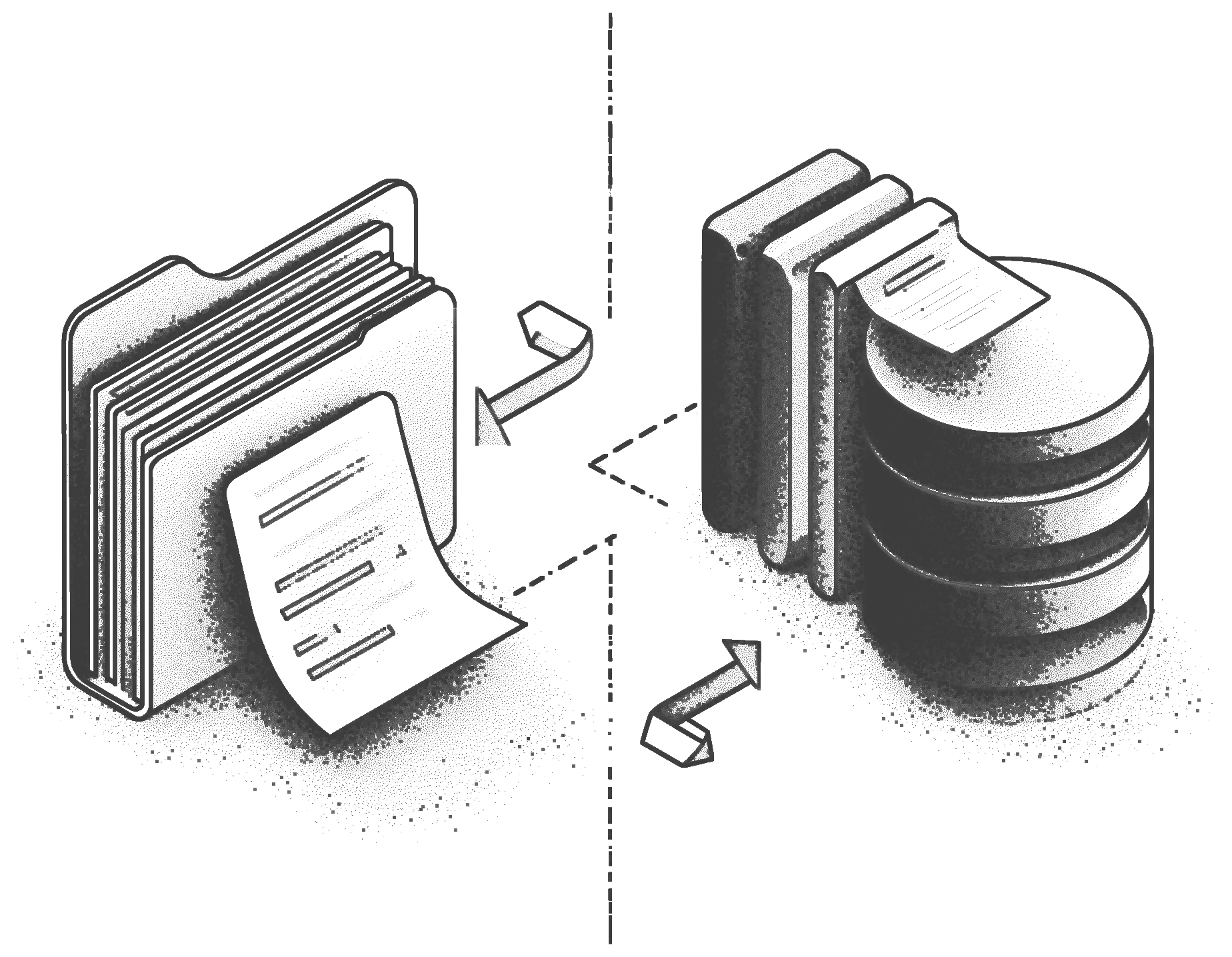
Filesystem paths map to SQL queries. Writes are transactions. The filesystem becomes the API.

pick your starting point

File-first

start with files, get a database for free

Write markdown, organize into directories, build lightweight apps on top of the filesystem. Writes are atomic and everything is auto-versioned. Works with Claude Code, Cursor, grep, vim, and anything else that works with files.

See file-first use cases →
Data-first

treat your data as a filesystem

Mount any existing Postgres database and navigate it the same way you navigate directories. Read rows, filter by index, chain queries into paths. The interface your agents already know maps directly onto your data.

See data-first use cases →

what you can build

Mode File-first — build apps on the filesystem

shared agent workspace

Multiple agents operate on the same knowledge base at the same time. Every edit is versioned, so if one agent overwrites another's work, you can recover it from .history/.

# agent A writes research findings
cat > /mnt/db/kb/auth-analysis.md << 'EOF'
---
author: agent-a
---
OAuth 2.0 is the recommended approach...
EOF

# agent B reads immediately. no sync. no pull.
cat /mnt/db/kb/auth-analysis.md

multi-agent task queue

todo/, doing/, and done/ are your three directories, and mv is your only API. Moves are atomic database operations, so two agents can't claim the same task.

# agent claims a task atomically
mv /mnt/db/tasks/todo/fix-auth-bug.md \
   /mnt/db/tasks/doing/fix-auth-bug.md

# see what everyone is working on
ls /mnt/db/tasks/doing/
grep "author:" /mnt/db/tasks/doing/*.md

collaborative docs

A human drafts, an agent edits, another summarizes, all in the same directory, all visible immediately. History shows who changed what and when.

# browse the full edit trail
ls /mnt/db/docs/.history/proposal.md/

# see what changed in the last edit
diff /mnt/db/docs/.history/proposal.md/2026-02-25T100000Z \
     /mnt/db/docs/proposal.md
Mode Data-first — treat your data as a filesystem

quick data fixes

Update a customer's email, toggle a feature flag, delete a test record. One shell command instead of opening a SQL client, remembering the schema, and writing a WHERE clause.

# update a single column
echo 'new@example.com' > /mnt/db/users/123/email.txt

# update a full row via JSON
echo '{"email":"a@b.com","name":"A"}' > /mnt/db/users/123.json

# delete a record
rm -r /mnt/db/users/456/

# bulk-load from CSV
cat data.csv > /mnt/db/orders/.import/.append/csv

data analytics

Standard Unix tools work on every table. For larger queries, chain filters and pagination into a single path to push the work into the database.

# find shipped orders
grep "shipped" /mnt/db/orders/*/status.txt

# select specific columns via pipeline
cat /mnt/db/orders/.filter/status/shipped\
    /.columns/id,total,created_at/.export/csv

# sum shipped order totals
cat /mnt/db/orders/.filter/status/shipped\
    /.columns/total/.export/csv | awk '{s+=$1} END {print s}'

up in under 60 seconds.

Works with local and cloud-hosted databases, with special Tiger Cloud and Ghost support.

FUSE on Linux, NFS on macOS, and no external dependencies on either platform.

Install
curl -fsSL https://install.tigerfs.io | sh
Mount and write
# mount a local database tigerfs mount postgres://localhost/mydb /mnt/db # or create a new Ghost database tigerfs create ghost:my-project /mnt/db # start writing echo "markdown,history" > /mnt/db/.build/notes echo "# Hello World" > /mnt/db/notes/hello.md