A shared workspace for AI agents

the
filesystem
is the API.

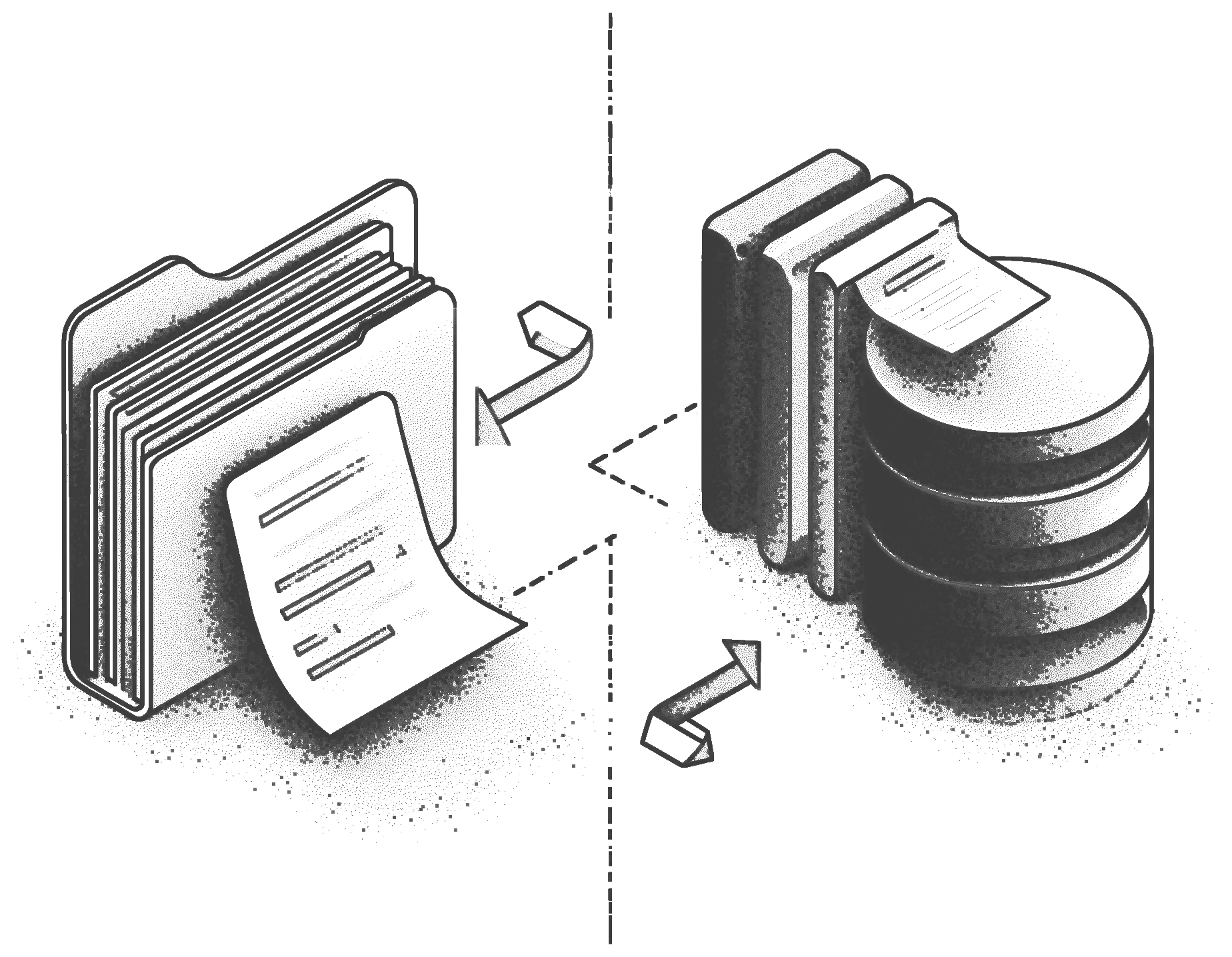
When multiple AI agents share a workspace, they need a way to read and write the same data without stepping on each other. TigerFS solves that by mounting a PostgreSQL database as a filesystem. Every file is a real row. Every write is isolated, so agents don't conflict. Any tool that works with files works out of the box.

$curl -fsSL https://install.tigerfs.io | sh

agents are concurrent.
filesystems are not.

When multiple agents share a workspace today, they work around the filesystem, not with it. Local files assume one writer. Git requires pull, push, and merge. S3 has no transactions. Custom coordination APIs have to be built and maintained.

None of that was designed for agents writing in parallel, in real time.

pick your starting point

File-first

start with files, get a database for free

Write markdown, organize into directories, build lightweight apps on top of the filesystem. Writes are atomic and everything is auto-versioned. Works with Claude Code, Cursor, grep, vim, and anything else that works with files.

See file-first use cases →
Data-first

treat your data as a filesystem

Mount any existing Postgres database and navigate it the same way you navigate directories. Read rows, filter by index, chain queries into paths. The interface your agents already know maps directly onto your data.

See data-first use cases →

what you can build

Mode File-first — build apps on the filesystem

shared agent workspace

Multiple agents operate on the same knowledge base at the same time. Every edit is versioned, so if one agent overwrites another's work, you can recover it from .history/.

# agent A writes research findings
cat > /mnt/db/kb/auth-analysis.md << 'EOF'
---
author: agent-a
---
OAuth 2.0 is the recommended approach...
EOF

# agent B reads immediately. no sync. no pull.
cat /mnt/db/kb/auth-analysis.md

multi-agent task queue

todo/, doing/, and done/ are your three directories, and mv is your only API. Moves are atomic database operations, so two agents can't claim the same task.

# agent claims a task atomically
mv /mnt/db/tasks/todo/fix-auth-bug.md \
   /mnt/db/tasks/doing/fix-auth-bug.md

# see what everyone is working on
ls /mnt/db/tasks/doing/
grep "author:" /mnt/db/tasks/doing/*.md

collaborative docs

A human drafts, an agent edits, another summarizes, all in the same directory, all visible immediately. History shows who changed what and when.

# browse the full edit trail
ls /mnt/db/docs/.history/proposal.md/

# restore any previous version
cat /mnt/db/docs/.history/proposal.md/2026-02-25T100000Z
Mode Data-first — treat your data as a filesystem

quick data fixes

Update a customer's email, toggle a feature flag, delete a test record. One shell command instead of opening a SQL client, remembering the schema, and writing a WHERE clause.

# update a single column
echo 'new@example.com' > /mnt/db/users/123/email.txt

# update a full row via JSON
echo '{"email":"a@b.com","name":"A"}' > /mnt/db/users/123.json

# delete a record
rm -r /mnt/db/users/456/

pipeline queries

Chain filters, ordering, and pagination into a single path. The database executes it as one optimized query. Pipe the result into jq, awk, or export as CSV.

# filter, sort, paginate — one query
cat /mnt/db/orders/.by/customer_id/123\
    /.order/created_at/.last/10/.export/json

# select specific columns
cat /mnt/db/orders/.filter/status/shipped\
    /.columns/id,total,created_at/.export/csv

up in under 60 seconds.

Install once, then mount any Postgres database with a single command. Works with local databases, Tiger Cloud, and Ghost. Authenticate once with your CLI and credentials are handled automatically after that.

FUSE on Linux, NFS on macOS, and no external dependencies on either platform.

Install
curl -fsSL https://install.tigerfs.io | sh
Mount and write
# mount a local database tigerfs mount postgres://localhost/mydb /mnt/db # or mount a Ghost database by ID tigerfs mount ghost:a2x6xoj0oz /mnt/db # start writing echo "markdown" > /mnt/db/.build/notes cat > /mnt/db/notes/hello.md